
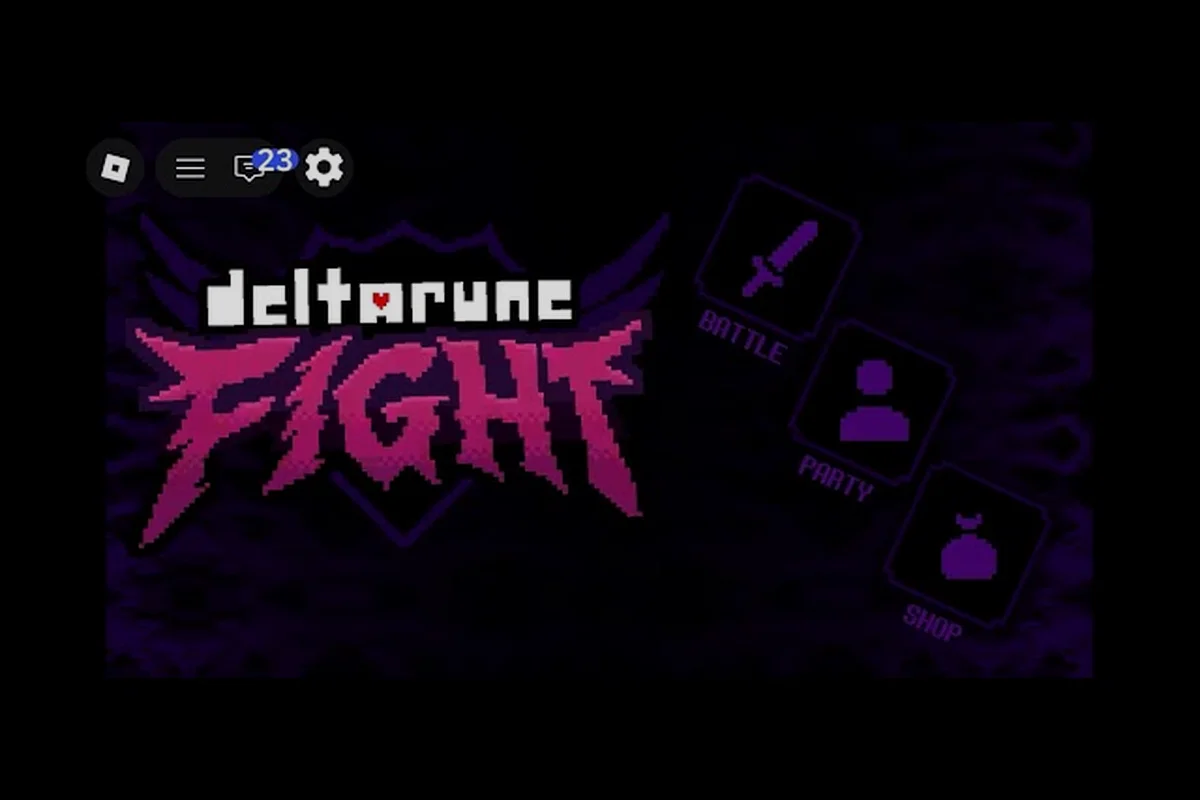
Learning how to fight bosses in DELTARUNE Fight starts with one uncomfortable truth: the default keyboard layout works, but it rarely feels natural during bullet-heavy phases. Controller support changes that equation because it puts movement and confirmation on separate hands, which reduces the split-second fumbling that gets players hit. This gameplay guide walks through the setup, the dodge windows, and the noob-to-pro habits that make the confirmed boss line-up readable.
Controller Setup and the Best Start
The best start for DELTARUNE Fight controller support is not plugging in a pad and hoping Roblox detects it. Roblox handles controller input at the platform level, so the first step is confirming your controller works in another Roblox experience before you load into a boss fight. According to community videos, players on both Xbox-style and PlayStation-style pads report smooth movement once the controller is recognized, although the in-game button prompts still display keyboard labels.
Mapping Expectations Before You Fight
Because DELTARUNE Fight does not publish an official controller remap screen, you should treat the pad as a mirror of the keyboard defaults. The core keyboard controls are Z to confirm, X to go back, and C for the context-dependent action. On most controllers, these map to the face buttons, while the left stick or D-pad handles the Soul movement during bullet phases. The Soul is the heart-shaped cursor you steer to avoid attacks, and it is the single most important element to control cleanly.
| Control Function | Keyboard Input | Controller Expectation | Why It Matters |
|---|---|---|---|
| Confirm / Attack | Z | Face button (bottom) | Fastest access during TP spend |
| Back / Cancel | X | Face button (right) | Prevents accidental menu locks |
| Context Action | C | Face button (left or top) | Used for fight-specific prompts |
| Soul Movement | Arrow keys | Left stick or D-pad | Precision during bullet phases |
| Menu Navigation | Arrow keys | D-pad | Slower but reliable in menus |
Why Pad Movement Feels Better in Bullet Phases
The reason controller support gets recommended for dodging is not about speed; it is about consistency. Keyboard arrow keys are digital, which means you get full-speed movement in eight directions with no gradient. A stick gives you analog control, so you can make micro-adjustments when a boss fills the screen with projectiles. Reported by players, this matters most against Tenna and King, whose attack patterns punish overcorrection.
Reading Dodge Windows Without Frame Data
DELTARUNE Fight how to dodge is a question that has no numeric answer because the game publishes zero mechanic numbers. There are no official frame counts, no hitbox sizes, and no invulnerability windows listed anywhere. Instead, you learn to read telegraphs, which are the visual or audio cues that signal an incoming attack. According to community videos, every confirmed boss has a tell that appears before the damaging phase begins.
The Telegraph Categories That Matter
When you fight bosses in this Roblox game, you are not reacting to damage; you are reacting to the wind-up. The community-video capture of DELTARUNE Fight shows three broad telegraph types that repeat across the confirmed line-up. Learning these categories is more valuable than memorizing any single attack because the same reading skill transfers between Tenna, King, Pink, and Kaizo Knight.
| Telegraph Type | What You See | Correct Response | Common Mistake |
|---|---|---|---|
| Positional Wind-up | Boss shifts stance or moves to a corner | Create distance early | Standing center too long |
| Projectile Spread | Bullets fan out from a fixed point | Move perpendicular, not backward | Backing into a wall |
| Area Flash | Ground or screen flashes before impact | Move to the safe zone | Panic-dodging into another hit |
Dodging Is Positioning, Not Just Reaction
The biggest noob-to-pro shift in this gameplay guide is understanding that dodging starts before the attack fires. When King telegraphs a wide swing, the correct play is often to already be moving toward the safe side of the arena. Because the Soul has no dash or i-frame mechanic confirmed, you cannot rely on a last-second button press to save you. Positioning is the dodge.
How to Fight Bosses With a Clear Plan
DELTARUNE Fight how to fight bosses is less about memorizing a rotation and more about managing two resources: your TP and your attention. TP is the skill point pool you spend on attacks, and it refills through successful dodging or phase transitions, according to community videos. The trap for new players is spending TP the moment it becomes available, which leaves nothing for the high-pressure phase.
The Noob-to-Pro Boss Loop
Every boss encounter follows a loop that you can practice on the earliest fights. The loop is simple to describe but hard to execute under pressure: observe the telegraph, move the Soul to safety, spend TP during the recovery window, then reset your position. Players who skip the observe step end up trading hits, and trading hits is a losing strategy on the harder difficulty tiers.
| Boss | Phase Demand | Habit That Helps | Habit That Hurts |
|---|---|---|---|
| Tenna | Screen-filling projectile spreads | Move perpendicular early | Backing into corners |
| King | Wide, telegraphed swings | Pre-position before the swing | Panic-dodging on reaction |
| Pink | Fast follow-up patterns | Short, controlled movements | Overcorrecting with full stick |
| Kaizo Knight | High-pressure sustained phases | Save TP for recovery windows | Spending TP on cooldown |
Difficulty Tiers Change the Tempo
The confirmed difficulty tier names from community videos are Standard, Brutal, and Genocide. Each tier changes the tempo of the fight rather than just inflating damage. On Brutal, telegraphs resolve faster and safe zones shrink, which means your positioning has to happen earlier. On Genocide, the hardest tier, the margin for error becomes a long stretch of sustained focus. The controller advantage grows as the tier climbs because analog movement lets you make smaller corrections.
Building the Noob-to-Pro Practice Routine
The fastest way to improve is to stop treating every boss attempt as a win-or-lose run. Instead, treat each attempt as a data-gathering session. The DELTARUNE Fight noob to pro path runs through deliberate practice, not repetition. According to community videos, players who narrate the telegraphs out loud improve faster because it forces them to observe before reacting.
A Five-Step Practice Loop
This loop works on any confirmed boss, and it builds the habits that transfer to the harder tiers. The key is doing the steps in order every time, even when you feel rushed.
-
Step 1: Survive first. Do not attack at all for the first phase. Just move the Soul and watch the telegraphs. This removes the distraction of TP spending.
-
Step 2: Narrate the tell. Say what you see before the attack fires. If you cannot name the telegraph, you are reacting late.
-
Step 3: Add one attack. Spend TP only during the recovery window after a dodge. One attack per cycle is enough.
-
Step 4: Increase tempo. Once you can survive and attack consistently, move up one difficulty tier and repeat from Step 1.
-
Step 5: Record a clean run. A clean run is one where you never trade hits. If you trade, the run is not clean, regardless of whether you won.
What the Best Start Actually Looks Like
The best start in DELTARUNE Fight is not a specific boss order or a hidden unlock. It is starting on Standard difficulty with a controller you have already tested, and spending your first hour learning telegraphs instead of chasing damage. The beginner guide covers the first-hour priorities in more detail, but the core idea is the same: build the reading habit before the damage habit.
Controller Support Limitations and Workarounds
DELTARUNE Fight controller support is functional but not fully native. The game does not display controller-specific button prompts, and there is no in-game remap menu. This means you will see keyboard labels like Z and X even when playing on a pad. The workaround is to build a mental map between the face buttons and the keyboard functions, which takes about one session to internalize.
What Works and What Does Not
Reported by players, the left stick and D-pad both work for Soul movement, but the stick is preferred for analog control. The face buttons work for confirm, back, and context actions, but the mapping can vary depending on your controller and platform. Triggers and bumpers do not appear to have confirmed functions in the current build, so do not rely on them for anything critical.
| Feature | Status | Workaround |
|---|---|---|
| Left stick movement | Works | Use for analog micro-adjustments |
| D-pad movement | Works | Use for menu navigation |
| Face button confirm | Works | Maps to Z, but prompt shows Z |
| Face button back | Works | Maps to X, but prompt shows X |
| Trigger / bumper actions | Not confirmed | Avoid relying on them |
| In-game remap screen | Not available | Use platform-level remapping |
When to Fall Back to Keyboard
If your controller disconnects mid-fight or the mapping feels inconsistent, falling back to keyboard is faster than troubleshooting. The pro tips guide covers keyboard control habits in depth, but the short version is this: keyboard is fully functional, and the only real loss is analog movement. For menu-heavy sections, keyboard is actually faster because the prompts match the inputs.
Which Dodge Skill Each Confirmed Boss Trains
The confirmed boss line-up as of the September 2026 build includes Tenna, King, Pink, and Kaizo Knight. Each boss tests a different part of the dodge skill set, which means the noob-to-pro path naturally progresses through them. According to community videos, Tenna tests projectile reading, King tests positional discipline, Pink tests reaction speed, and Kaizo Knight tests endurance.
Boss-by-Boss Dodge Focus
When you fight bosses in this order, you build skills in a logical sequence. The boss guide breaks down each encounter in more detail, but the dodge focus for each is worth internalizing before you queue up.
| Boss | Primary Dodge Skill | Secondary Skill | Failure Pattern |
|---|---|---|---|
| Tenna | Perpendicular movement | Reading spread origins | Cornering yourself |
| King | Pre-positioning | Patience on TP spend | Panic-dodging swings |
| Pink | Short controlled inputs | Pattern recognition | Overcorrecting movement |
| Kaizo Knight | Sustained focus | TP discipline | Burning out in late phases |
The Jevil Question
According to community videos, some players have reported encounters with a character named Jevil, but this is low-confidence information based on a single community video. Jevil is not part of the confirmed boss line-up, and no stats, phases, or rewards are verified. Treat any Jevil claims as unconfirmed until the developer publishes official information.
Frequently Asked Questions
Does DELTARUNE Fight have native controller support?
The game works with controllers through Roblox's platform-level input handling, but there is no in-game remap screen or controller-specific button prompts. You will still see keyboard labels like Z and X, so you need to build a mental map between face buttons and keyboard functions.
What is the best way to learn how to dodge?
Start on Standard difficulty and spend your first phase not attacking at all. Just move the Soul and narrate the telegraphs out loud. This forces you to observe before reacting, which is the core dodge skill. Add one TP attack per recovery window only after survival feels consistent.
Which boss should I fight first?
The confirmed line-up as of the September 2026 build includes Tenna, King, Pink, and Kaizo Knight, but there is no official required order. Reported by players, starting with Tenna builds projectile-reading skills that transfer to the other fights, although any order works if you practice deliberately.
Does controller support work on mobile?
Controller support on mobile depends on your device and platform, and the game does not publish official mobile controller documentation. Some players report success with Bluetooth pads on supported devices, but the experience varies. Keyboard remains the most consistent input method across platforms.
What does TP do in DELTARUNE Fight?
TP is the skill point pool you spend on attacks during boss fights. According to community videos, TP refills through successful dodging and phase transitions. The key habit is saving TP for recovery windows after a dodge rather than spending it the moment it becomes available.